
Top 5 Software Every Creative Student Must Learn
Published on June 23, 2026 by
In today’s digital world, creativity and technology go hand in hand. Whether you dream of becoming a graphic designer, video editor, web developer, or digital marketer, mastering the right software can open doors to exciting career opportunities. Companies are constantly looking for skilled professionals who can create visually appealing designs, engaging videos, professional websites, and effective marketing campaigns.
For creative students, learning industry-standard tools is no longer optional—it is essential. These tools not only help build technical skills but also prepare students for freelancing, internships, and full-time jobs.
Here are the top five software programs every creative student should learn to stay ahead in the competitive digital landscape.
1. Adobe Photoshop – The King of Graphic Design
Adobe Photoshop is one of the most widely used graphic design tools in the world. From social media posts and banners to photo editing and digital artwork, Photoshop is an essential skill for anyone interested in creative careers.
Why Learn Photoshop?
- Professional photo editing capabilities
- Create posters, flyers, logos, and social media graphics
- Industry-standard software used worldwide
- High demand in graphic design and digital marketing jobs
- Great for freelancers and content creators
Career Opportunities
- Graphic Designer
- Social Media Designer
- Photo Editor
- Branding Specialist
- Freelance Designer
Photoshop’s versatility makes it one of the first software programs every creative student should master.
2. Adobe Premiere Pro – Professional Video Editing Software
Video content dominates platforms like YouTube, Instagram, Facebook, and TikTok. Adobe Premiere Pro is one of the most powerful and popular video editing tools used by professionals around the world.
Whether you want to create YouTube videos, cinematic content, or Instagram reels, Premiere Pro provides all the necessary tools.
Features of Premiere Pro
- Professional video editing
- Color correction and grading
- Audio synchronization
- Motion graphics integration
- Multi-camera editing
- High-quality exports
Career Opportunities
- Video Editor
- YouTube Content Creator
- Social Media Manager
- Film Editor
- Freelance Video Editor
With the rising demand for video content, learning Premiere Pro can significantly boost your career prospects.
3. Adobe After Effects – Motion Graphics and Visual Effects
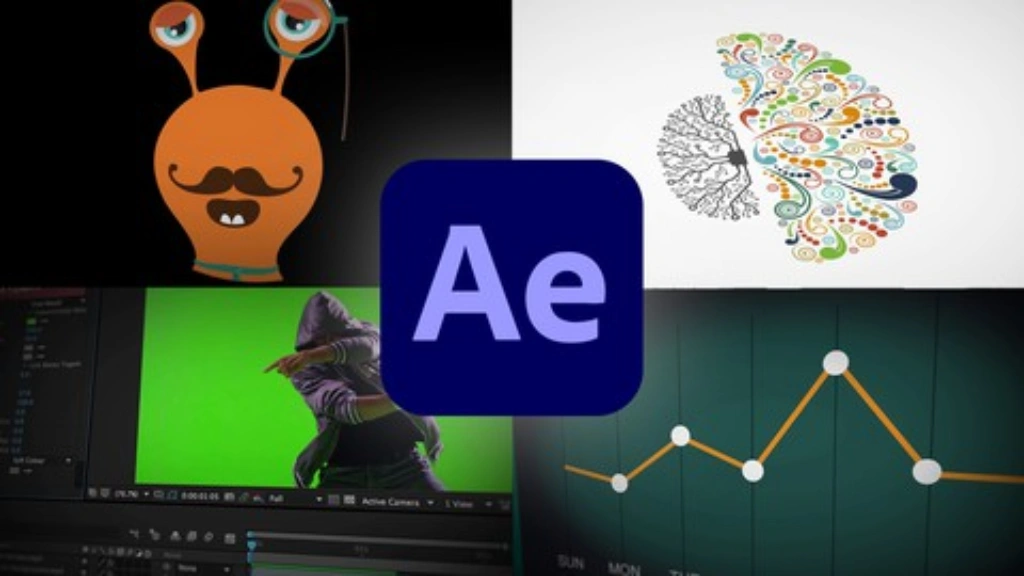
If you want to create animated videos, cinematic titles, and special effects, Adobe After Effects is a must-learn software.
Motion graphics have become increasingly popular in digital marketing, filmmaking, and social media content creation. From animated logos to eye-catching transitions, After Effects helps bring creative ideas to life.
Why Learn After Effects?
- Create motion graphics
- Add visual effects to videos
- Design animated text and titles
- Produce professional advertisements
- Enhance social media videos
Career Opportunities
- Motion Graphics Designer
- Visual Effects Artist
- Video Editor
- Animator
- Freelance Motion Designer
Students skilled in After Effects often enjoy higher-paying opportunities due to the growing demand for animation and visual storytelling.
4. Visual Studio Code – Essential Tool for Web Development
For students interested in website designing and development, Visual Studio Code (VS Code) is one of the best software programs available.
Developed by Microsoft, VS Code is lightweight, fast, and packed with features that simplify coding.
Key Features
- Supports HTML, CSS, JavaScript, and PHP
- Easy debugging
- Extensions for additional functionality
- User-friendly interface
- Auto-complete and code suggestions
Why Creative Students Should Learn It
Web development is among the most in-demand skills today. Businesses need websites, and skilled developers can work as freelancers or join IT companies.
Career Opportunities
- Front-End Developer
- Web Designer
- Full Stack Developer
- WordPress Developer
- Freelance Web Developer
Learning Visual Studio Code alongside HTML, CSS, and JavaScript can help students build professional websites and launch successful careers.
5. Canva – The Perfect Tool for Beginners
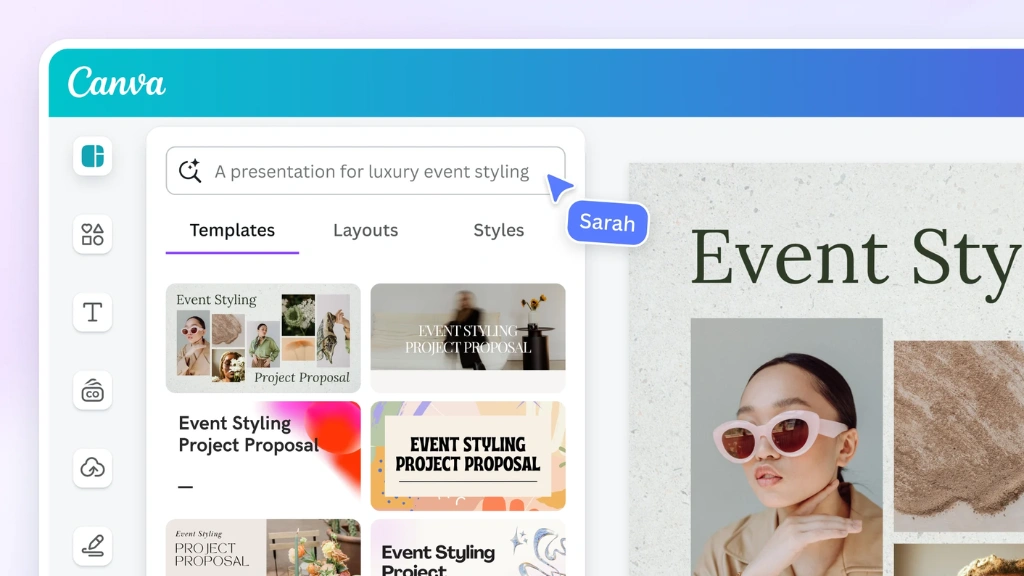
Canva has revolutionized graphic designing by making it accessible to everyone. Even students with no prior design experience can create professional-looking graphics within minutes.
Canva is widely used for:
- Social media posts
- Presentations
- Posters
- Flyers
- Infographics
- Business cards
Benefits of Canva
- Easy drag-and-drop interface
- Thousands of templates
- Free and premium versions available
- Perfect for beginners
- Quick content creation
Career Opportunities
- Social Media Designer
- Content Creator
- Digital Marketer
- Freelancer
- Entrepreneur
Canva is ideal for students who want to start their creative journey before moving to advanced software like Photoshop and Illustrator.
Why Learning These Software Matters
The creative industry is evolving rapidly. Businesses now rely heavily on digital content, websites, branding, and video marketing. Having expertise in multiple software tools gives students a competitive advantage.
Benefits of Learning Creative Software
1. Better Career Opportunities
Companies prefer candidates who possess practical skills rather than theoretical knowledge.
2. Freelancing Opportunities
Platforms like Fiverr, Upwork, and Freelancer offer thousands of projects related to graphic design, video editing, and web development.
3. Higher Income Potential
Creative professionals with software expertise can earn attractive salaries and build successful freelance careers.
4. Entrepreneurship
These skills help students start their own businesses, agencies, YouTube channels, or digital brands.
5. Industry Readiness
Hands-on experience with professional tools prepares students for real-world projects and challenges.
Final Thoughts
Creativity alone is not enough in today’s competitive world. Students need the right tools to transform ideas into reality. Adobe Photoshop, Premiere Pro, After Effects, Visual Studio Code, and Canva are among the most valuable software programs every creative student should learn.
These tools provide the foundation for careers in graphic design, video editing, web development, digital marketing, and content creation. By investing time in learning these software programs, students can unlock countless opportunities and build successful careers in the digital age.
The future belongs to creators, and mastering the right software is the first step toward turning creativity into a profession.


Comments